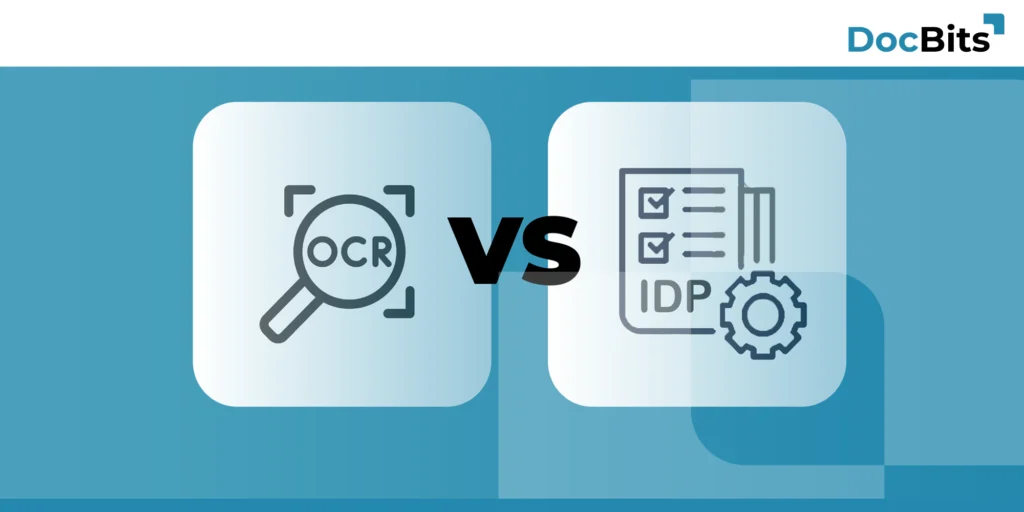
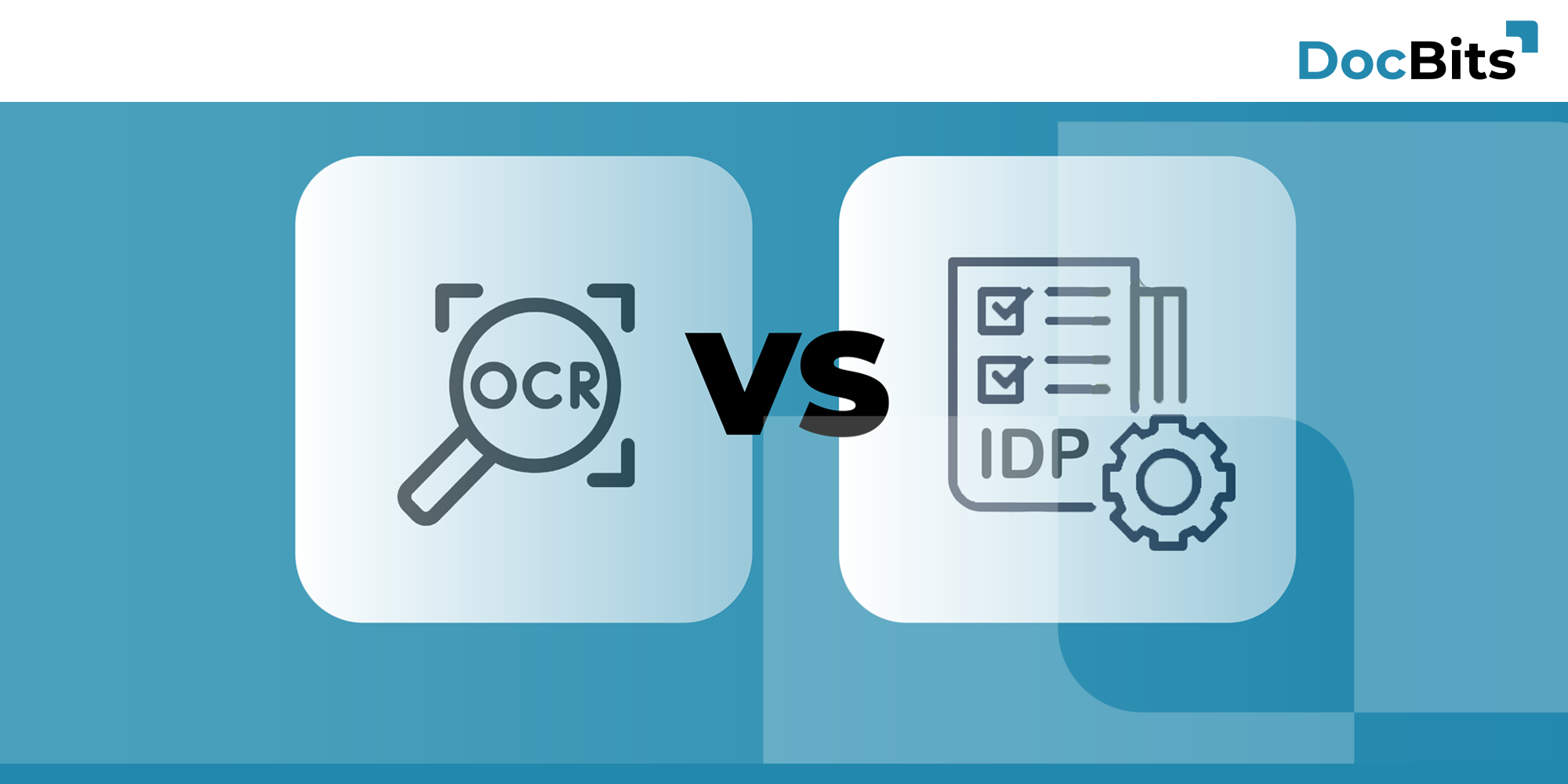

OCR vs. IDP for ERP Users: Why Document Automation Needs More Than Text Recognition

Why Your ERP Struggles with OCR-Only Solutions?

Picture this: Your AP team spent six months implementing OCR software. The vendor promised “99% accuracy” and “automated invoice processing.” Launch day arrives. The first batch of invoices comes in, and… half of them get stuck in manual review.

Sound familiar?

Here’s what happened: The OCR read every character perfectly. But when invoice #4523789 arrived with a PO number, three line items, and a 5% price variance from the original order, the system had no idea what to do. It couldn’t check if that PO existed in your Infor LN system. It couldn’t match the line items. It couldn’t flag the price discrepancy. And it definitely couldn’t assign the right GL codes.

So your AP team—who were promised automation—ended up doing the same manual work they’ve always done. Just with an extra step of correcting the OCR output first.

This isn’t a failure of OCR technology. OCR does exactly what it’s designed to do: convert pixels into characters. The problem is that reading text and understanding business documents are two completely different things.

That’s the gap between Optical Character Recognition (OCR) and Intelligent Document Processing (IDP). And if you’re running Infor LN, Infor M3, or SAP, understanding this difference could be worth hundreds of thousands of euros in automation value.

Here’s the reality: According to Ardent Partners’ State of ePayables research, best-in-class AP organizations achieve 80-90% touchless invoice processing. But companies relying on template-based OCR without machine learning? They typically automate only 25-40% of invoices. The rest still need human intervention.

Let’s break down why that gap exists—and how to close it.

What is OCR?

OCR stands for Optical Character Recognition. It’s the technology that looks at an image—whether that’s a scanned document, a PDF, or a photo from your phone—and converts the visible text into machine-readable characters.

How OCR Actually Works

Think of it like reading glasses for your computer. It sees the letters and numbers on a page and turns them into text you can copy, search, and edit.

Modern OCR engines use deep learning models trained on millions of documents. The good ones achieve 99%+ character-level accuracy on clean, machine-printed text. That “99.8%” figure you see in marketing materials? It’s real—under optimal conditions.

What OCR Does Well

OCR is fantastic for specific jobs: making scanned documents searchable, converting printed books into ebooks, digitizing archives, extracting text from images. If your only goal is “turn this pile of paper into searchable PDFs,” OCR does that beautifully.

Where OCR Hits the Wall

But here’s where the limitations become painfully obvious—especially in a business context:

OCR reads “€1,234.56” and has no idea if that’s the invoice total, a line-item price, or the tax amount. It sees “PO-4523789” and recognizes the characters, but can’t tell you if that purchase order exists in your ERP system, let alone whether the quantities and prices match.

It spots a supplier name but can’t check if they’re an approved vendor. It extracts a date but doesn’t know if it’s the invoice date, due date, or delivery date. And when the invoice layout changes—because your supplier redesigned their template—traditional template-based OCR breaks completely.

Most critically: OCR has no way to validate what it reads against your business logic, flag exceptions, or post data to your ERP. It’s a one-way street: image in, text out. Everything after that? That’s still manual work.

IDP and OCR Together: Why Both Matter

Intelligent Document Processing (IDP) is a different beast entirely. It’s not a competing technology to OCR—it’s a complete platform that uses OCR as one component, then layers on artificial intelligence, machine learning, natural language processing, and deep ERP integration.

If OCR is reading glasses, IDP is a business analyst who reads the document, understands what it means, checks it against company policies and existing orders, flags problems, and handles everything that needs to happen next.

Gartner and Forrester both recognize IDP as its own software category for a reason. It’s not just “better OCR.” It’s a fundamentally different approach to document automation.

For a complete technical guide to how IDP works—including the 4-layer architecture, AI models, and self-learning capabilities—see our IDP software IDP software page.

Why ERP Users Need IDP, Not Just OCR

For companies running Infor LN, Infor M3, or SAP, this difference becomes critical.

Your invoices aren’t just text to be extracted. They’re business transactions that need to be validated against business rules, routed intelligently, and posted to your ERP.

 OCR stops at text. Modern IDP understands context and learns from corrections. That’s why best-in-class organizations achieve 80-90% automation with IDP, versus 25-40% with OCR alone.

OCR vs IDP: The Real Differences

Let’s cut through the marketing and look at what actually matters for ERP automation

Capability OCR (Template-based) IDP
Text Recognition
99%+ character accuracy on clean printed text
Same OCR engines
Document Classification
Manual sorting required
Automatic document classification
Data Extraction Flexibility
Template-based (breaks when layouts change)
Context-aware ML models (layout- independent,)
Learning Capability
Static (new layout = new template)
Self-improving (learns from corrections)
Typical Automation Rate
25-40% touchless (Industry research)
up to 90% for best-in-class implementations

Yes, IDP starts with OCR—but not your grandfather’s template-based OCR.

Modern IDP solutions use AI-enhanced engines that adapt to real-world conditions: blurry smartphone photos, wrinkled delivery notes, mixed-language invoices, partially obscured text, handwritten notes scrawled in the margins.

When a delivery driver photographs a packing slip in bad lighting with their phone at an angle, traditional OCR often fails. AI-enhanced OCR automatically preprocesses the image—straightening, denoising, enhancing contrast—before attempting character recognition.

For handwritten text, the difference is even more dramatic. Traditional OCR was built for printed text and struggles with handwriting variations. Modern AI models trained on millions of handwritten samples can achieve 85-95% accuracy on structured form fields. Not perfect, but good enough to automate most handwritten delivery notes and inspection forms.

When to Use OCR vs. IDP

Stick With OCR If:

Your only goal is making documents searchable (PDF libraries, archives). Volume is tiny (<100 documents/month). Documents are 100% standardized with zero variation. Budget is extremely constrained for a pilot (though OCR pilots often disappoint when people realize how much manual work remains).

Move to IDP When:

  • ERP integration is critical. If invoices, POs, or delivery notes need to flow into Infor or SAP.
  • Volume justifies automation. Anything over 500 documents monthly usually hits the ROI threshold. At 1,000+ monthly, IDP becomes a no-brainer.
  • Supplier formats vary. If you can’t control how suppliers format their invoices, template-based OCR becomes a maintenance nightmare. IDP handles format variation automatically.
  • Exception handling matters. When problems arise, you want intelligent routing to the right person with full context—not just “error, needs review.”

FAQ - Frequently Asked Questions: OCR vs IDP

What's the main difference between OCR and IDP?

OCR (Optical Character Recognition) is a technology that converts text in images into machine-readable characters. It reads what’s on a page. IDP (Intelligent Document Processing) is a complete platform that uses OCR plus AI, machine learning, and NLP to not just read documents but understand them, intelligently classify data, and automate entire workflows. OCR is one component inside IDP, not a competing technology.

Can OCR handle invoice processing automation?

OCR can extract text from invoices—invoice numbers, dates, amounts—but that’s where it stops. It can’t intelligently classify documents, validate data against business rules, detect duplicates, handle exceptions intelligently, or integrate with downstream systems. That’s why companies using OCR-only solutions still manually process 30-50% of invoices according to industry research. Real end-to-end automation requires IDP.

OCR or IDP: Which technology best suits my company?

Are your documents primarily structured and standardized? → OCR is the right choice.

Do you need intelligent classification and data extraction regardless of layout? → IDP is the solution.

Is scalability and automatic learning important? → IDP offers these capabilities.


Do I need IDP if I already use OCR?

If you want complete document automation beyond just text extraction, yes. OCR gives you extracted data in a file. Someone still has to validate that data, classify documents, check for duplicates, handle exceptions, and route to the right systems or people. IDP automates all of that. Think of it this way: OCR is step one (data capture). IDP is steps one through five (capture, intelligent classification, validation, exception handling, smart routing). If you’re only doing step one, you’re leaving most of the automation value on the table.

Conclusion:

If you’re running Infor LN, Infor M3, or SAP and still manually handling a significant portion of your invoice processing, you’re leaving enormous value on the table.

OCR can digitize text. That’s valuable if you’re starting from paper-based processes. But text extraction is maybe 20% of the automation opportunity

The companies achieving 80-90% touchless invoice processing aren’t using magic. They’re using modern IDP with proper ERP integration like DocBits (Learn more about DocBits IDP). 

The only question is: how much longer are you willing to pay for manual processing when you don’t have to?

Ready to STOP leaving automation value at the table?

Stop Processing Invoices Manually. Start Automating Your Entire Workflow. See exactly how it would work with your invoices!

OCR vs. IDP for ERP Users: Why Document Automation Needs More Than Text Recognition

Image credits: Header- & Featured image by FELLOWPRO

Share: