
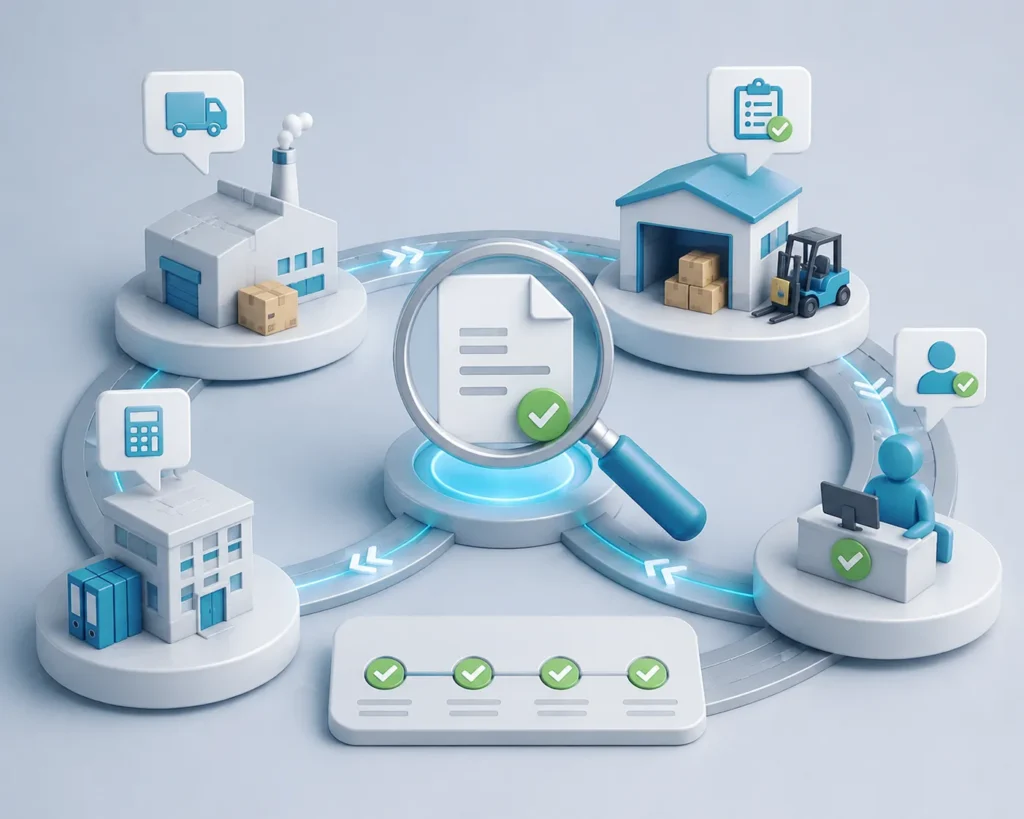

Accounting Department – Automate Document Processes

Utilizing AI, Machine Learning, and Multilingual OCR, DocBits streamlines financial document management, integrates seamlessly with existing systems, and adapts to your growing business needs.

Capture incoming invoices, post documents, monitor payment deadlines, prepare month-end closings – your accounting department works under constant time pressure. Invoices pile up, early payment discounts expire, and manual data entry blocks your team. With DocBits, you automate these processes and gain time for what really matters: analysis, forecasting, and strategic financial planning.

Transform your Accounting with DocBits

Your accounting department processes a wide range of documents every day. Each must be captured, reviewed, posted, and archived – often under time pressure and with high compliance requirements. Here’s where DocBits comes in.

Incoming Invoices

Supplier invoices are the core business of accounting – and often the biggest time consumer. DocBits automatically reads invoices, checks them against purchase orders and delivery notes, suggests account coding, and initiates approval workflows. Your team only reviews exceptions, not every single invoice.

Credit Notes

Credit notes must be checked against the original invoice and posted correctly. DocBits automatically recognizes credit notes, links them to the original invoice, and suggests the appropriate posting.

Travel Expense Reports

Receipts from business trips – hotel invoices, fuel receipts, restaurant bills – often arrive in different formats and languages. DocBits automatically extracts the relevant data and assigns it to the correct cost center.

E-Invoices (XInvoice, ZUGFeRD, PEPPOL)

E-invoicing is becoming mandatory across many countries. DocBits processes all formats – XInvoice, ZUGFeRD, PEPPOL – automatically and ensures compliance without additional effort.

Typical Challenges in Accounting

You know for sure these situations

Invoices pile up, deadlines approach

Month-end closing is imminent, but the stack of unprocessed invoices isn’t getting smaller. Each must be captured, reviewed, coded, and posted. Early payment discounts expire because invoices enter the system too late.

Manual account coding costs time – and carries error risks.

 Each invoice must be assigned to the correct general ledger account. That means: looking up, comparing, typing, hoping it’s correct. With 100+ invoices per week, this becomes a full-time job.

Missing purchase order numbers block approval

An invoice without a purchase order number lands on your desk. Now the search begins: Who ordered this? Is there a PO? Is the invoice even legitimate? Until that’s clarified, payment is delayed.

Follow-up questions cost time

Accounting asks purchasing: “Does this order exist?” Purchasing asks back: “Has the invoice been paid already?” Nobody has the complete overview, coordination between departments consumes time.

How DocBits Relieves Your Accounting Department

With DocBits, you automate document processing in accounting – from invoice capture to posting:

Automatic capture and extraction

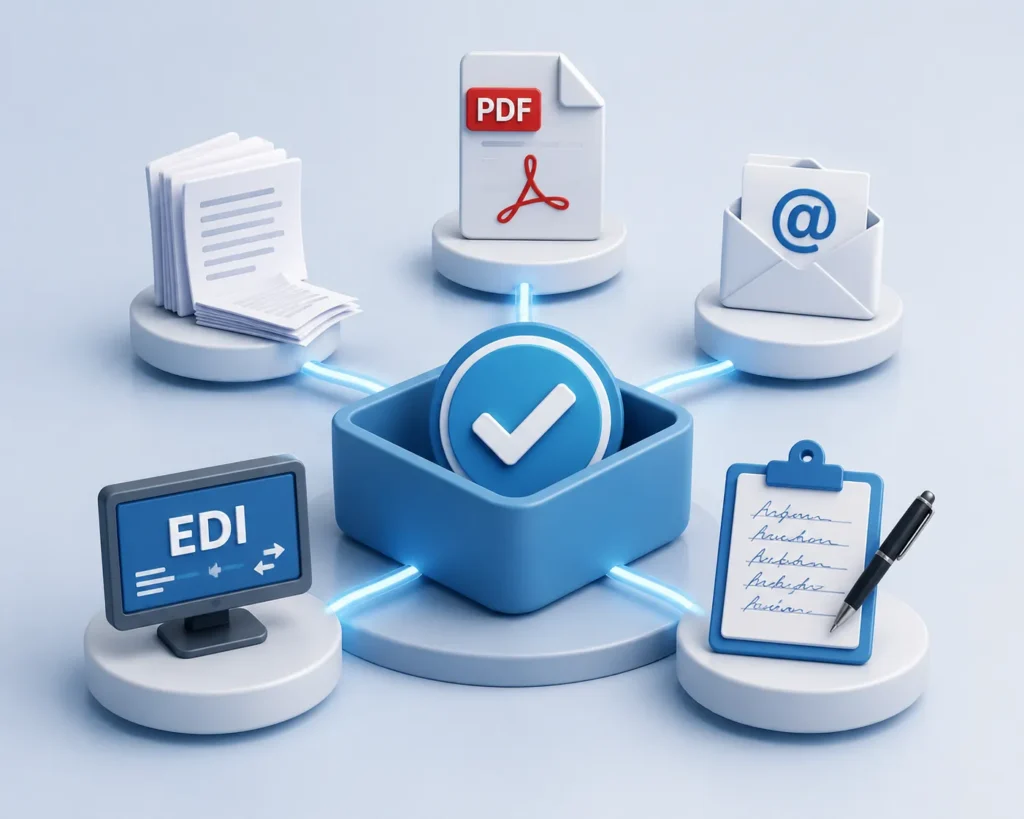
 Whether PDF, paper, email, e-invoice, or handwritten – DocBits processes all formats uniformly. The AI recognizes document types, extracts all relevant data (supplier, invoice number, amount, date, line items), and transfers them directly into the ERP system.

Einkauf-Alle Formate

Intelligent account coding with learning effect

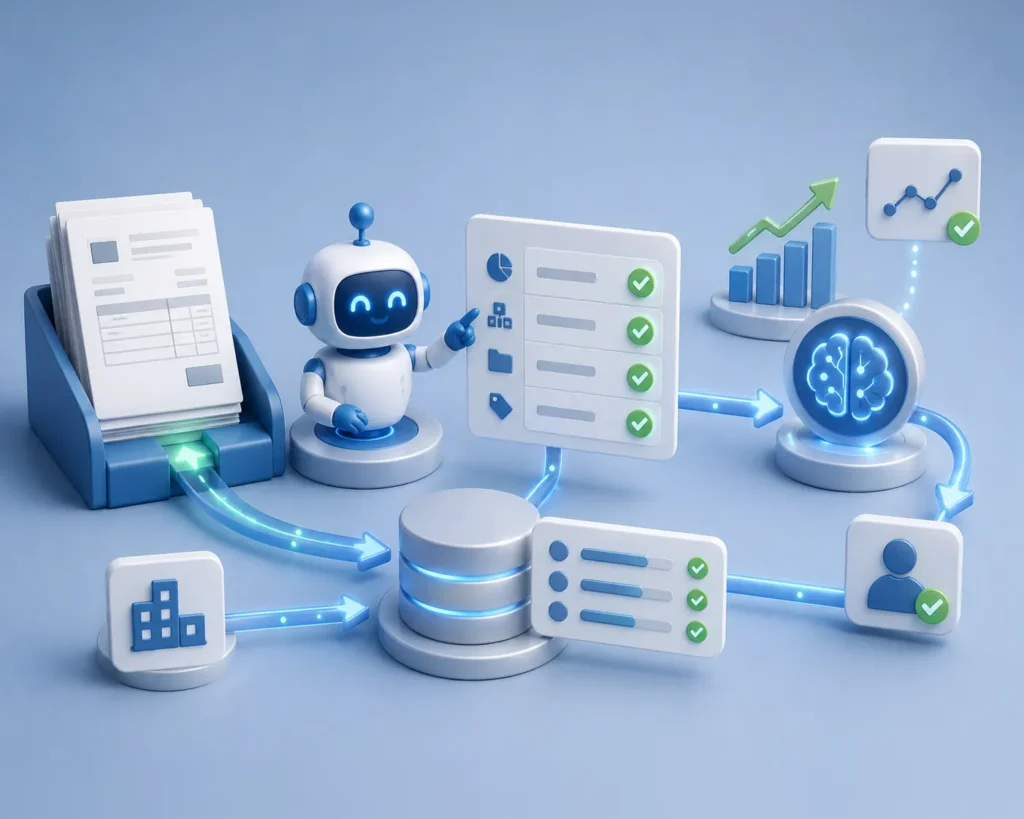
DocBits suggests account coding based on previous postings. The AI learns from your decisions and becomes more precise over time. Recurring suppliers are automatically assigned to the correct general ledger account.

Automatic checks and validations

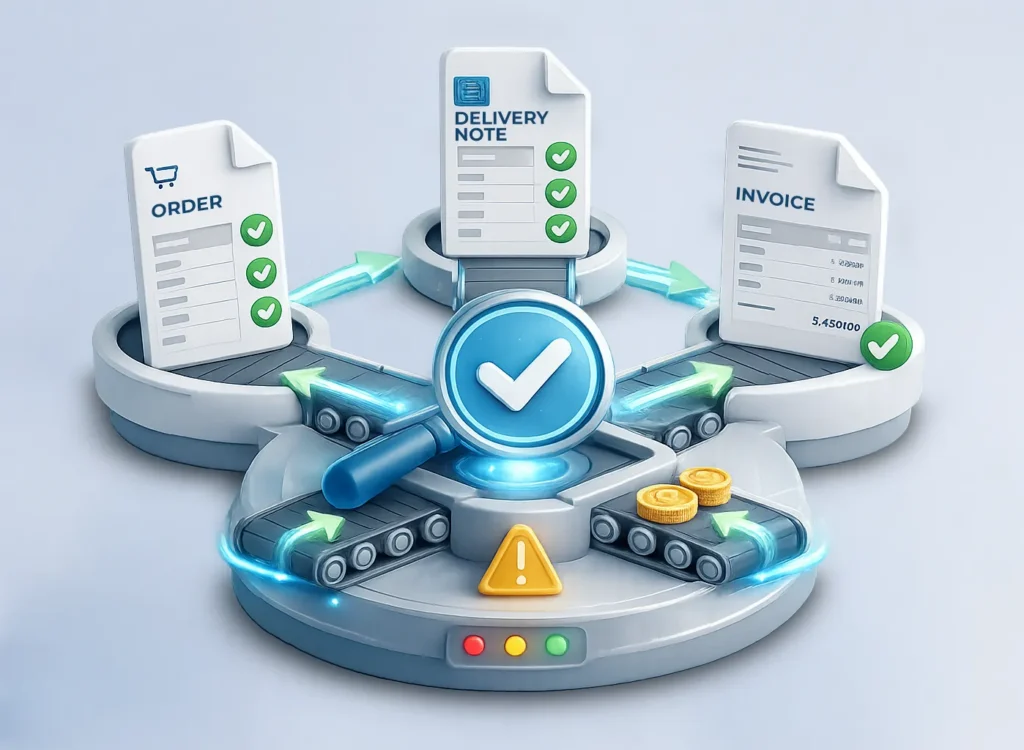
DocBits checks invoices against purchase orders (3-way match), automatically detects duplicates, and warns of missing purchase order numbers or discrepancies. Erroneous invoices are flagged before they enter the system.

Purchasing-Automatic 3-way match

Transparent approval workflows

 Invoices flow through automatic workflows: from goods receipt through the department to final approval. Everyone sees where an invoice is. Early payment discounts are captured because processes are no longer manually blocked.

Native ERP integration – no detours

DocBits is specifically developed for SAP, SAP S/4HANA, as well as Infor LN, Infor M3, and Infor CloudSuite. The platform transfers extracted data directly into your ERP system – without media breaks, without intermediate systems, without duplicate data entry. Your existing workflows remain intact and are accelerated through automation.

Einkauf-Native ERP-Integration – ohne Umwege​

E-invoice compliance

DocBits processes all e-invoice formats (XInvoice, ZUGFeRD, PEPPOL) automatically and ensures you meet regulatory requirements – without additional manual effort.

Concrete Benefits for Your Accounting Department

  • Up to 80% less manual work – Invoices are automatically captured, coded, and posted
  • Faster month-end closings – Automation accelerates the entire process from capture to posting
  • Capture early payment discounts – Automatic workflows ensure invoices are paid on time
  • Fewer errors – Automatic checks, duplicate detection, and AI-supported account coding drastically reduce error rates
  • Complete compliance – Audit-proof archiving and complete audit trail
  • Time for strategic tasks – Your team analyzes, plans, and optimizes instead of typing data

FAQ: Common Questions About Automation in Accounting

How can accounting automate document processes?

Automating document processes in accounting can be accomplished through AI-powered software, for example. One of the best software solutions for ERP systems like SAP S/4HANA and Infor is DocBits. Documents are automatically captured and processed regardless of format (PDF, email, paper, e-invoice). The software extracts relevant data – supplier, invoice number, amount, line items – suggests account coding, and matches invoices with purchase orders. Subsequently, data is transferred directly into the ERP system, approval workflows start automatically. The result: no manual data entry, fewer errors, faster month-end closings.

Which document processes in accounting can be automated?

Nearly all document-based processes in accounting can be automated: capturing and coding incoming invoices, processing credit notes, reconciling travel expense reports, matching bank statements, and processing e-invoices (XInvoice, ZUGFeRD, PEPPOL). Modern systems automatically recognize document types, extract all relevant data, suggest postings, and check against purchase orders. Recurring suppliers are also automatically assigned to the correct general ledger account.

How does DocBits work for the accounting department?

DocBits automatically captures documents from email inboxes, scans, EDI interfaces, or e-invoice platforms. The AI recognizes document types (invoice, credit note, expense report), extracts all relevant data, and suggests account coding based on previous postings. Invoices are automatically checked against purchase orders and delivery notes (3-way match). Discrepancies, duplicates, or missing purchase order numbers are immediately flagged. The verified data is transferred directly into the ERP system, approval workflows start automatically. Your team can see at any time where an invoice is.

Ready to Relieve Your Accounting Department?

You now know how DocBits automates your document processes – from invoice capture to audit-proof archiving. See for yourself how the platform works in your accounting department. Schedule a free demo and experience DocBits live in action.