

Purchasing Department – Automate Document Processes

Revolutionize your purchasing process with DocBits:
Efficient, accurate, and cost-effective automation

Compare quotes, issue purchase orders, review order confirmations, match delivery notes, control invoices – your purchasing department processes dozens of documents every day. Often in different formats, from various systems, and each one requires manual attention. With DocBits, you automate these processes and gain time for strategic tasks: supplier negotiations, cost optimization, risk management.

Documents in Purchasing – and How DocBits Helps

Your purchasing department works with a wide range of documents. Each has its own role in the process – and each costs time when handled manually. Here’s where DocBits comes in.

Supplier Quotes

Quotes arrive via email, as PDFs, or sometimes even by mail. They need to be compared, evaluated, and archived. With DocBits, you capture quotes automatically, extract the relevant data, and have all information centrally available – without manual typing.

Purchase Orders

Purchase orders must be correctly captured and recorded in your ERP system. DocBits automates the creation and management of purchase orders, so you always maintain oversight – from request to order confirmation.

Order Confirmations

When suppliers confirm your order, you need to verify: Do prices, quantities, and delivery dates match? DocBits automatically matches order confirmations with your purchase orders and immediately flags discrepancies.

Delivery Notes

Goods have arrived – but does the delivery match the order? DocBits automatically captures delivery notes and matches them with the purchase order and subsequent invoice. This prevents payments for undelivered goods.

Incoming Invoices

Supplier invoices are the final step in the purchasing process – and often the most time-consuming. DocBits automatically reads invoices, matches them with purchase orders and delivery notes (3-way match), and routes them for approval. Your team only reviews exceptions, not every single invoice.

Typical Challenges in Purchasing

You know these situations

Documents arrive in every possible format

One supplier sends structured PDFs, the next scanned paper invoices, another Excel lists. Each format requires separate processing, and in the end, you’re still typing everything manually.

The 3-way match consumes time

Purchase order, delivery note, and invoice must be matched. When discrepancies arise – wrong prices, different quantities, missing items – the troubleshooting begins. Often it turns out that a document got stuck somewhere.

Nobody knows where the invoice is

Purchasing asks accounting, accounting asks back whether the order even exists. Transparency? None. Invoices disappear in email inboxes, approvals are delayed, early payment discounts expire.

Manual work blocks your team

Instead of maintaining supplier relationships, negotiating terms, or avoiding bottlenecks, your team sits in front of the screen typing data.

How DocBits Relieves Your Purchasing Department

With DocBits, you automate document processing in purchasing – from the initial request to the final invoice:

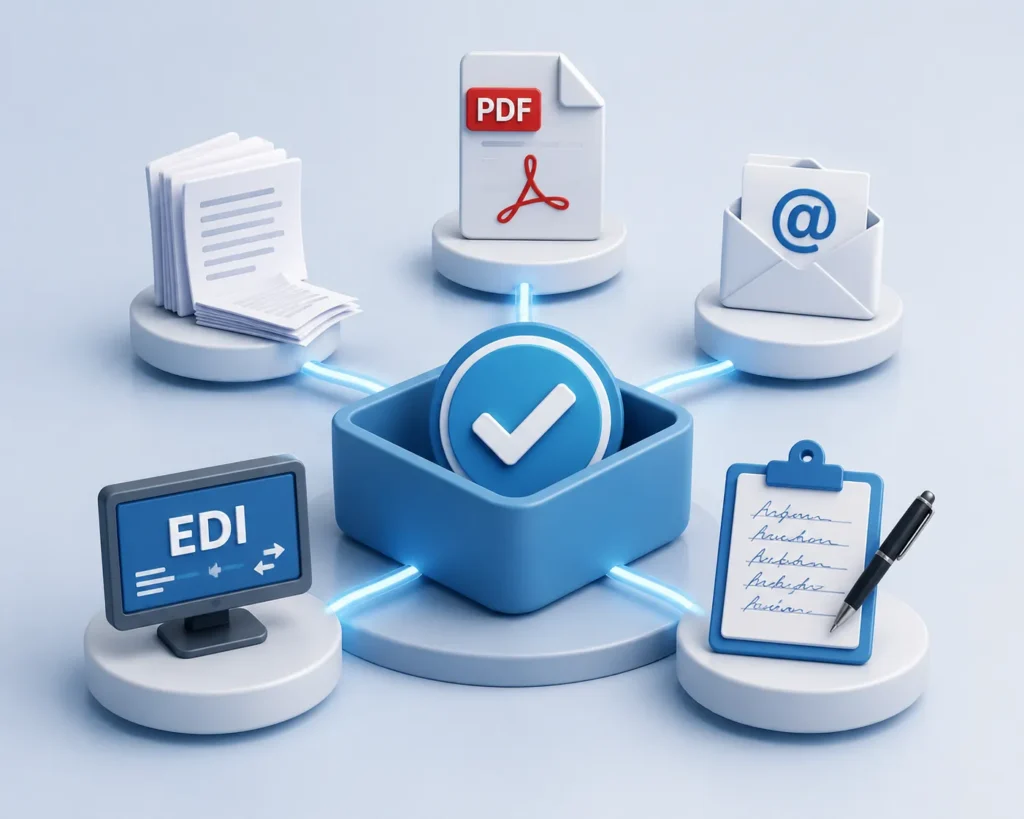
All formats, one solution

Whether PDF, paper, email, EDI, or handwritten – DocBits processes all formats uniformly. The AI recognizes layouts, extracts data, and transfers it directly into your ERP system.

Einkauf-Alle Formate
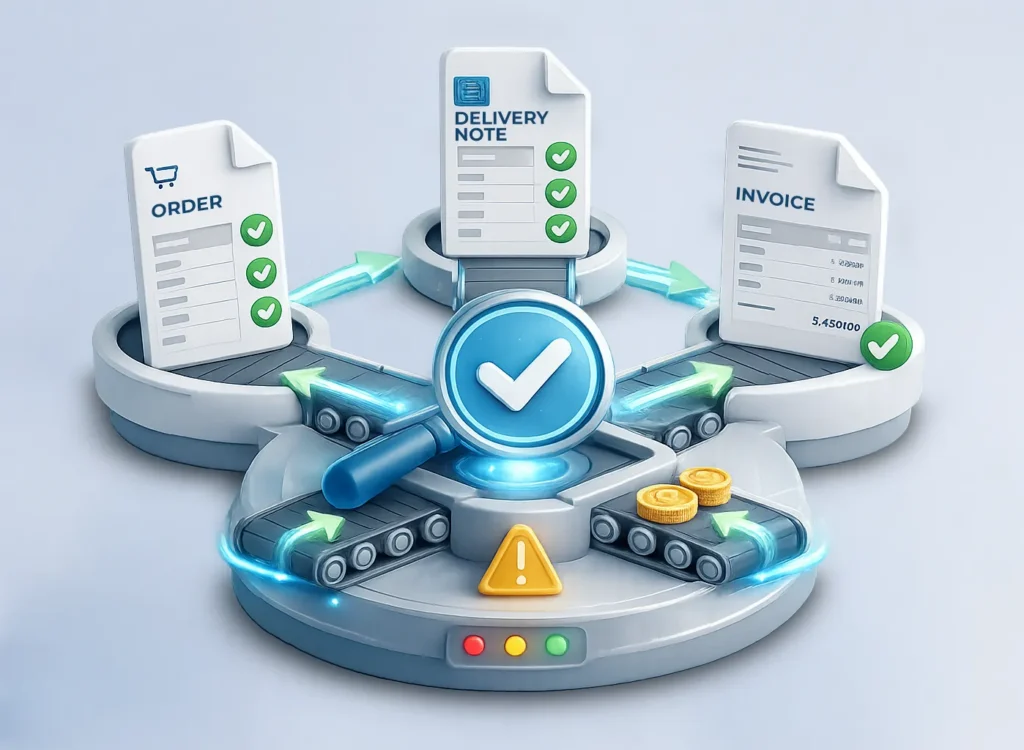
Purchasing-Automatic 3-way match

Automatic 3-way match

DocBits automatically matches purchase order, delivery note, and invoice. Discrepancies are immediately flagged, so you only need to review exceptions – not every single document.

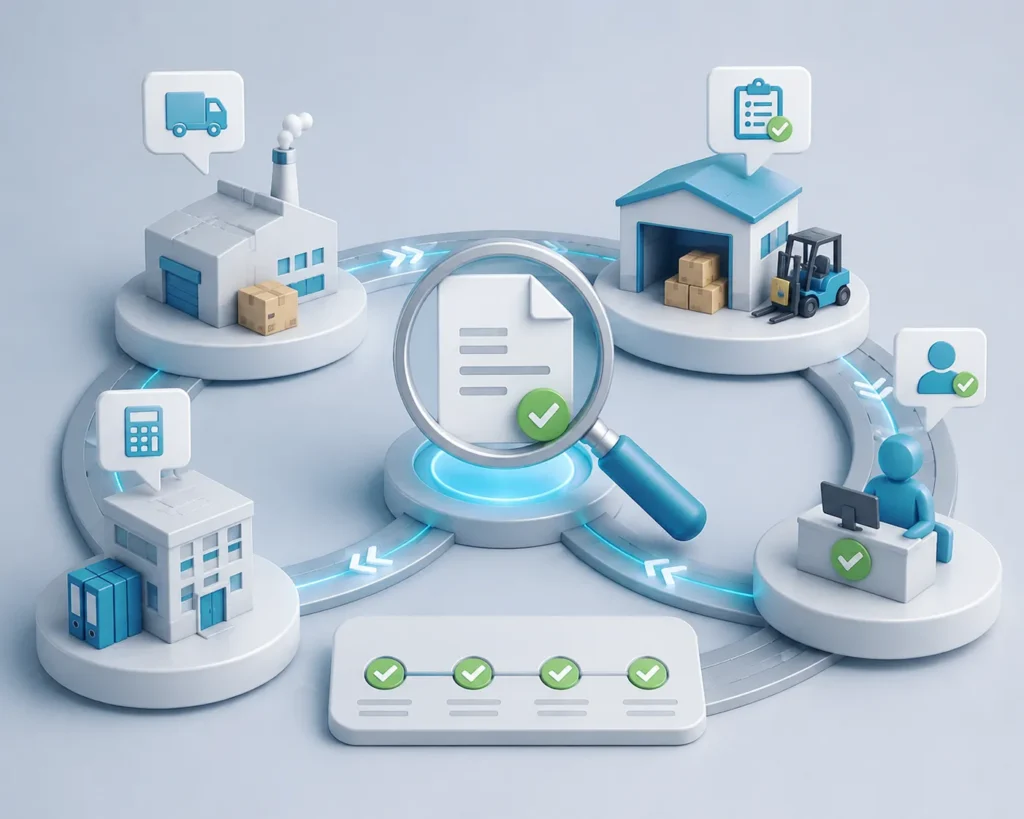
Transparent workflows

Everyone sees where a document is: with the supplier, in goods receiving, in approval, or in accounting. No more follow-up questions, no lost documents, no missed deadlines.

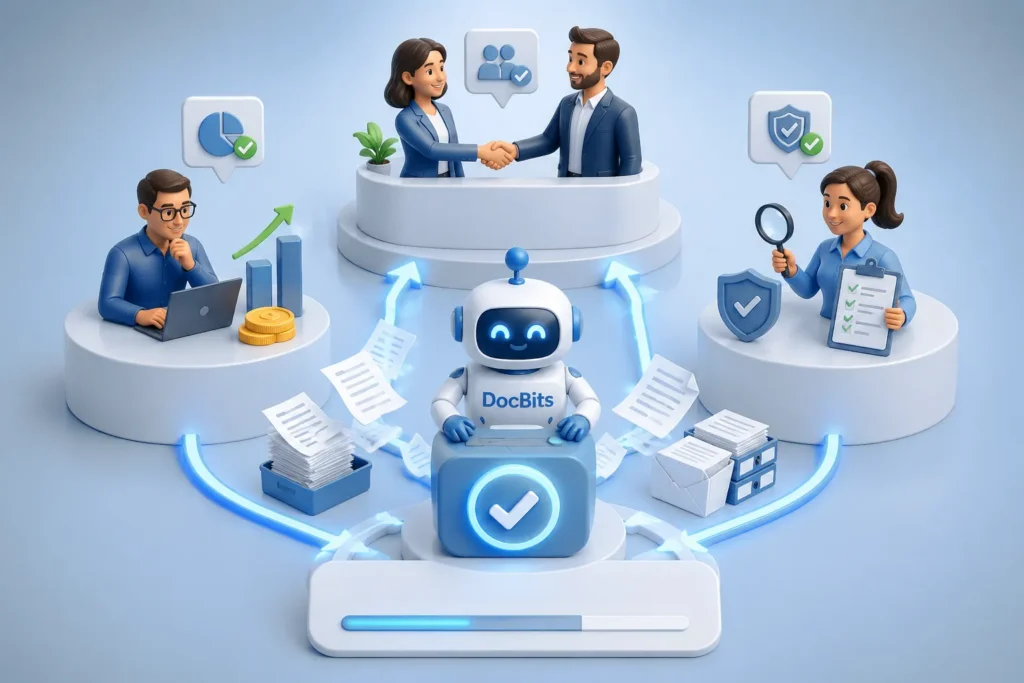
Time for strategic tasks

Your team focuses on what really matters: supplier relationships, cost optimization, quality assurance. DocBits handles the routine.

Native ERP integration – no detours

DocBits is specifically developed for SAP, SAP S/4HANA, as well as Infor LN, Infor M3, and Infor CloudSuite.

The platform transfers extracted data directly into your ERP system – without media breaks, without intermediate systems, without duplicate data entry. Your existing workflows remain intact and are accelerated through automation.

Einkauf-Native ERP-Integration – ohne Umwege​

Concrete Benefits for Your Purchasing Department

  • Up to 80% less manual data entry – Documents are automatically read and transferred to ERP
  • Faster approval processes – Invoices flow through automatic workflows, early payment discounts are captured
  • Fewer errors – Automatic matching with purchase orders and delivery notes prevents payments for undelivered goods
  • Complete transparency – Every document is traceable at any time, from capture to payment

Common Questions About Automation in Purchasing

How can purchasing automate document processes?

Automating document processes in purchasing can be accomplished through AI-powered software, for example. One of the best software solutions for ERP systems like SAP S/4HANA and Infor is DocBits. Documents are automatically captured and processed regardless of format (PDF, email, paper, EDI). The software extracts relevant data – supplier, order number, line items, prices – and matches them with existing purchase orders. Subsequently, data is transferred directly into the ERP system, approval workflows start automatically. The result: no manual data entry, no lost documents, transparent processes from capture to approval.

Which document processes in purchasing can be automated?

Nearly all document-based processes in purchasing can be automated: capturing and evaluating supplier quotes, managing purchase orders, matching order confirmations with orders, reviewing delivery notes, and processing incoming invoices including 3-way match. Modern systems also process handwritten notes, scanned paper documents, and different supplier formats. The key is that the software recognizes various layouts and reliably extracts data – regardless of whether a supplier sends structured PDFs or scanned documents.

How does DocBits work for the purchasing department?

DocBits automatically captures documents from email inboxes, scans, or EDI interfaces. The AI recognizes document types (invoice, delivery note, purchase order), extracts all relevant data, and matches them with your existing purchase orders. Discrepancies – such as in prices or quantities – are immediately flagged. The verified data is transferred directly into your ERP system, approval workflows start automatically. Your team can see at any time where a document is.

Ready to Relieve Your Purchasing Department?

You now know how DocBits automates your document processes – from purchase order to invoice. See for yourself how the platform works in your purchasing department. Schedule a free demo and experience DocBits live in action.