
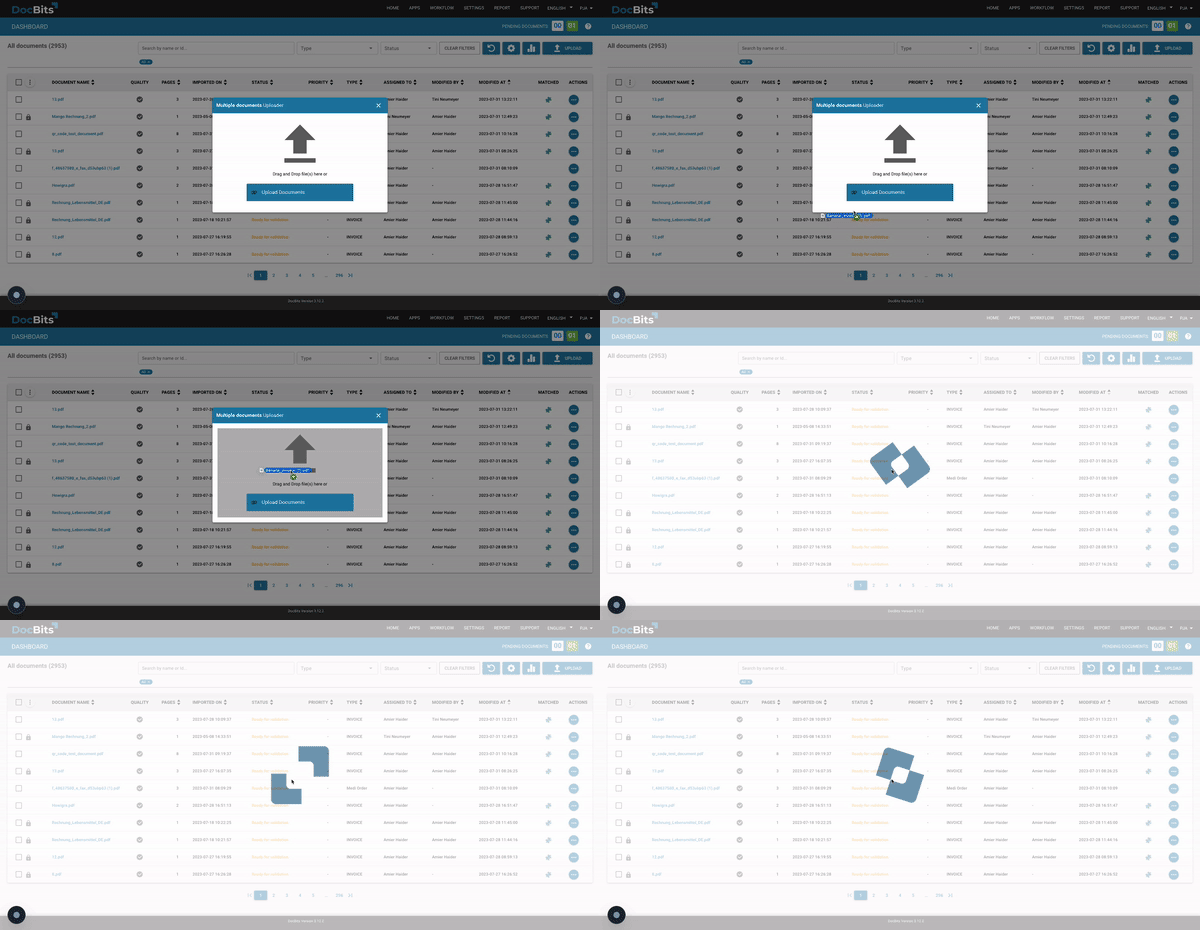
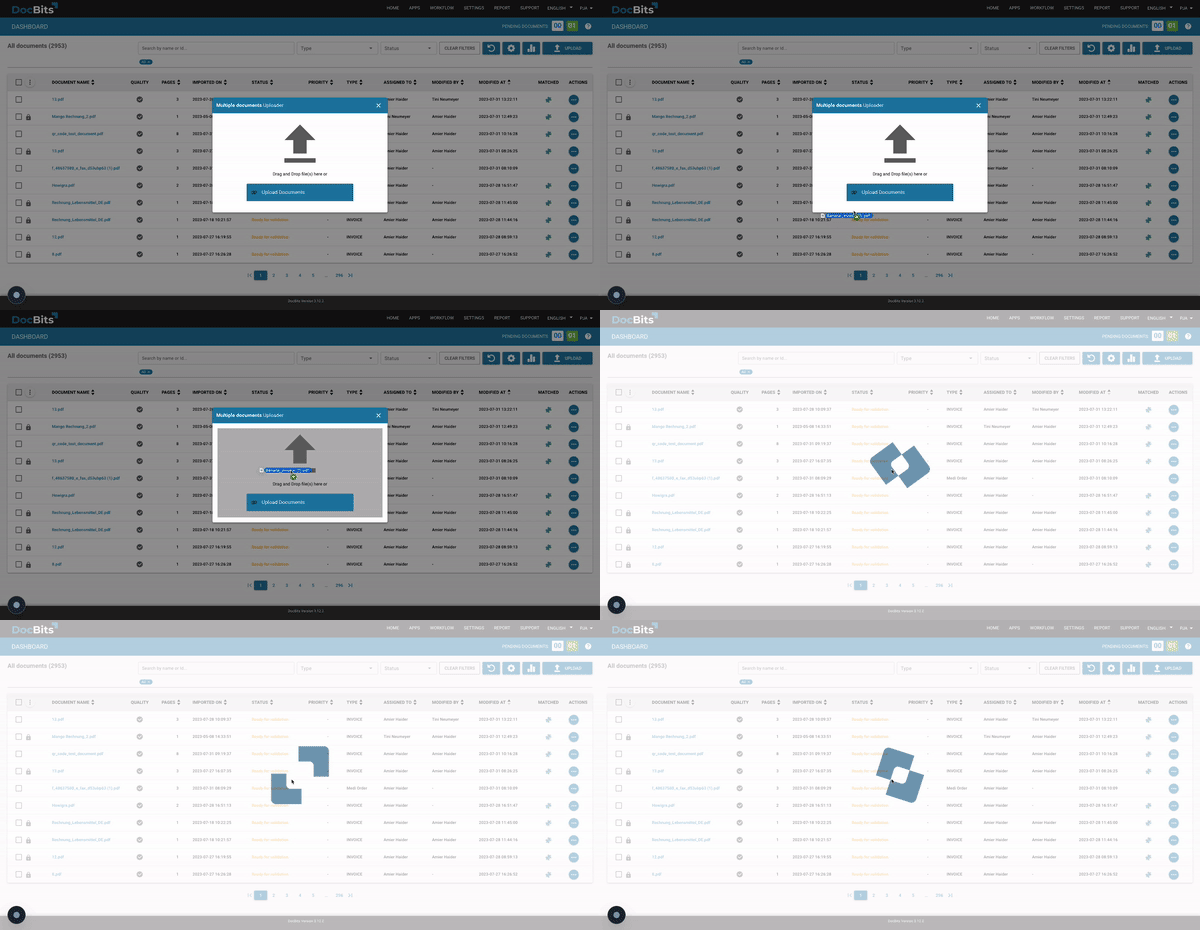
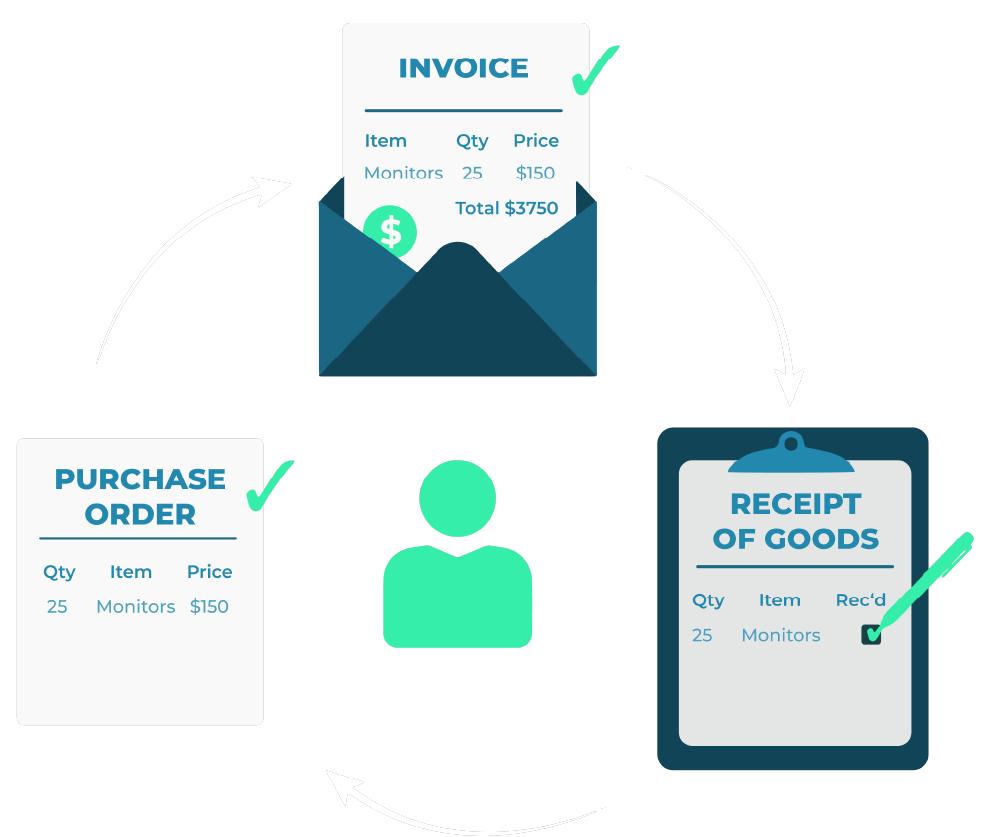
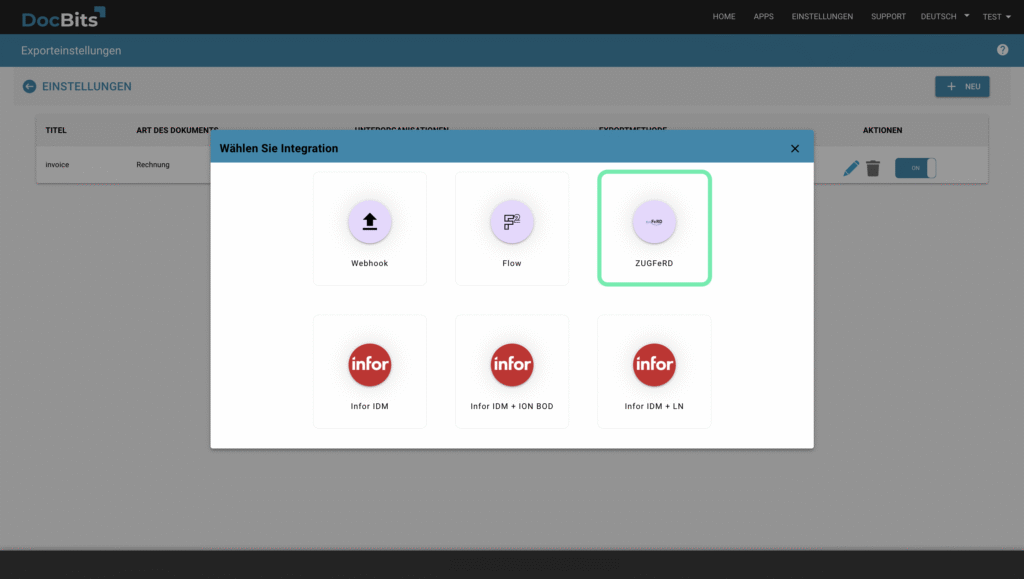















Your ZUGFeRD invoices are smarter than your process. They arrive fully structured. If someone’s still re-keying that data, the format is doing its job — your workflow isn’t. DocBits fixes that!
Both formats carry structured XML data and both comply with the European EN 16931 standard. XRechnung is XML-only and mandatory for invoices to German public-sector buyers. ZUGFeRD adds the visual PDF layer, making it the preferred choice in B2B contexts where a human-readable document is still expected. DocBits handles both — see our XInvoice / XRechnung page for details
Your team is careful. They double-check entries, chase missing PO numbers, follow up on approvals and still — invoices pile up, postings fail, and month-end is always a scramble.
That’s not a people problem,iIt’s a process problem.
When ZUGFeRD invoices arrive and nothing reads the structured data inside them, your team absorbs the work the format was supposed to eliminate. Every day that continues is time your people spend on tasks that should already be automated.
The typical friction points:
The XML inside every ZUGFeRD invoice has everything — vendor, line items, VAT, payment terms. If your system can't read it, someone has to.
The supplier doesn't match your vendor master. The cost center is missing. You only find out when posting fails — and by then, someone has to fix it manually under time pressure.
When an invoice needs a second pair of eyes, it waits. And waits. Especially when the right person is travelling or in back-to-back meetings.
B2B e-invoicing requirements in Germany are expanding. Your audit trail needs to be clean — whether your team has capacity that week or not.
Here’s what your invoice workflow looks like when the structured data in every ZUGFeRD file is actually being used:
ZUGFeRD, PDF, scanned document, email attachment — your team no longer manages separate inboxes or tools for different formats.
DocBits extracts the structured XML from every ZUGFeRD invoice automatically. Vendor, invoice number, line items, VAT, payment terms — mapped to your internal field structure, ready for the next step.
Before anything moves forward, every extracted value is checked against your ERP master data — vendor master, cost centers, PO references. Mismatches are caught here, not at posting.
Invoices that pass validation continue automatically. Those that don’t are routed to whoever needs to act — with full context, not just a flagged document and a blank subject line.
Validated invoices are posted directly to Infor LN, Infor M3, Infor CloudSuite, or SAP. Your team sees the result in their ERP, not in yet another tool.
If a supplier sends a plain PDF and your downstream process requires ZUGFeRD format, DocBits generates a compliant ZUGFeRD file from the processed data — no manual conversion, no extra step for your team.
Every header, line item, and table — extracted without templates. Your team stops entering data and starts reviewing exceptions.
That’s what happens when manual tasks leave the equation. Less time per invoice means lower cost at scale — without adding headcount.
To automate ZUGFeRD invoice processing, you need a document processing solution that reads the embedded XML data from incoming ZUGFeRD files and maps it directly to your ERP fields — without manual re-entry. The system should validate extracted data against your ERP master data (vendor master, cost centers, PO references) before posting. Solutions with native ERP connectors like DocBits — for Infor LN, Infor M3, or SAP — eliminate the need for custom middleware and allow invoices to flow from receipt to posting automatically.
ZUGFeRD invoice processing software needs to handle the hybrid format — extracting structured XML data while also making the PDF available for visual review. Key capabilities to look for: automatic field extraction without templates, ERP master data validation before posting, exception routing for mismatches, and native integration with your ERP. Solutions built specifically for ERP environments — such as those with certified Infor or SAP connectors like DocBits — reduce implementation effort and ongoing maintenance compared to generic document capture tools.
The most effective invoice automation tools for Infor and SAP environments are those with native ERP integration — not generic OCR tools connected via middleware. Key differentiators include: direct posting without custom API layers, support for structured formats like ZUGFeRD and XRechnung alongside unstructured PDFs, and workflow routing that respects your existing approval structures. Evaluating tools on ERP compatibility first narrows the field significantly. One of the most powerful and complete Software is DocBits.
Yes. DocBits extracts structured data from ZUGFeRD invoices automatically, validates it against your ERP master data, and posts it directly to Infor LN, Infor M3, Infor CloudSuite, or SAP — without manual re-entry or middleware. DocBits also handles other invoice formats in the same workflow, so your team works from one processing queue regardless of what suppliers send.
You are currently viewing a placeholder content from Vimeo. To access the actual content, click the button below. Please note that doing so will share data with third-party providers.
More InformationYou are currently viewing a placeholder content from YouTube. To access the actual content, click the button below. Please note that doing so will share data with third-party providers.
More InformationYou need to load content from reCAPTCHA to submit the form. Please note that doing so will share data with third-party providers.
More InformationYou are currently viewing a placeholder content from Vimeo. To access the actual content, click the button below. Please note that doing so will share data with third-party providers.
More InformationYou are currently viewing a placeholder content from YouTube. To access the actual content, click the button below. Please note that doing so will share data with third-party providers.
More InformationYou are currently viewing a placeholder content from Bunny Stream. To access the actual content, click the button below. Please note that doing so will share data with third-party providers.
More InformationYou are currently viewing a placeholder content from Wistia. To access the actual content, click the button below. Please note that doing so will share data with third-party providers.
More InformationYou are currently viewing a placeholder content from Facebook. To access the actual content, click the button below. Please note that doing so will share data with third-party providers.
More InformationYou are currently viewing a placeholder content from Instagram. To access the actual content, click the button below. Please note that doing so will share data with third-party providers.
More InformationYou are currently viewing a placeholder content from X. To access the actual content, click the button below. Please note that doing so will share data with third-party providers.
More Information